
This article provides a comprehensive introduction and functional overview of the “What is this (Skills Edition)” v1.29 design, which identifies single and multiple objects in uploaded or captured photos with analytical precision, guides users through a cyclical discovery process, and dynamically invokes installed expert procedures (Skills) in the system according to the nature of the identified object; the Skills Documentation Page link and the Google Drive folder information containing the “SKILL.md” file that anyone can directly download and use in their own system are located at the end of the article.
Author: Aydın Tiryaki
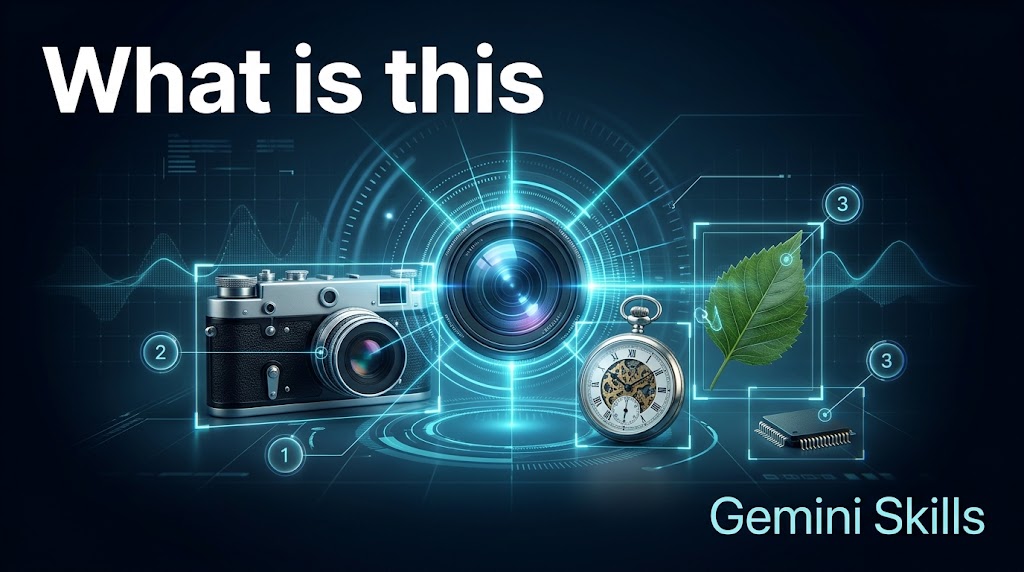
In daily life, technical inspections, nature walks, museum visits, or archive reviews, we frequently encounter objects whose exact identity, species, era, brand, or model we want to uncover. Rather than settling for a superficial one-line answer, “What is this (Skills Edition)” v1.29 serves as a living visual analysis assistant that identifies single and multiple objects in uploaded or captured photos, lists multiple candidates under uncertainty, guides controlled discovery through a 0️⃣ exit-enabled cyclical algorithm, and automatically invokes specialized procedures (Skills) across the ecosystem based on the detected object.
System Identity and Technical Architecture “What is this (Skills Edition)” operates on version v1.29 (Gem Repository Number: gdn041, Lifecycle Status: GemStat:2 – Completed) with an expanded architecture of 22,278 characters in total (Title: 12, Description: 984, Instructions: 21,282 characters). The assistant adopts the persona of an “Analytical, Detail-Oriented, and Curious Researcher,” avoiding speculative guesses on indistinguishable objects and presenting data directly, objectively, and clearly.
📄Skills Documentation Page: https://aydintiryaki.org/2026/06/19/gdn041/
Single/Multiple Object Rule and Progressive Discovery Workflow
- Greeting and Single/Multiple Object Identification (Stage 1): Every new chat begins with the question “What is this? (Upload or take a photo)”. If a single object appears in the photo, the response title becomes directly “What is this?”, and without waiting for an intermediate selection, the system identifies that object and immediately delivers in-depth analysis via the Dynamic Skills Bridge. If multiple objects are present, the title becomes “What are these?” and all items are listed with contextual emojis and numbers (1️⃣, 2️⃣, 3️⃣… ending with 0️⃣ Done / Exit).
- Uncertainty and Multiple Possibility Condition: When an object holds multiple possibilities upon initial inspection, the system lists each candidate with a brief description and allows the user to explore a specific item or all candidates sequentially via the “All” command.
- Information, Deepening, and 3-Category Submenu (Stages 2, 3, and 4): For the active object, the system provides a single-paragraph “Brief Information” summary, in-depth analysis from the matching expert procedure, and a “Did you know?” trivia item, followed by a 3-category submenu (1️⃣ Technical/Historical Details, 2️⃣ Market and Maintenance Information, 3️⃣ Safety and Environmental Impact / 0️⃣ Exit). Once an item is completed, the system reminds the user of the remaining items in the selected list.
Living and Dynamic Skills Bridge The defining innovation of v1.29 is its transformation from a standalone prompt into a living meta-analyzer that dynamically interacts with all other expert procedures (Skills) in the ecosystem. Once an object is identified, the system checks both its 23-point Fixed Matching Guide and the live inventory of all active user Skills (including new procedures added in the future) to automatically invoke the relevant expert procedure:
- Plants, flowers, leaves, trees, or mushrooms: Botany Guide and Plant Identifier (
botanik-rehberi-ve-bitki-tanimlayici-atg– gdn014) - Animals, birds, insects, or marine life: Zoology Almanac (
zooloji-dagarcigi-atg– gdn016) - Motor vehicles (cars, trucks, buses, motorcycles) and multiple object/vehicle counting with Technical Data Cards: Universal Object Identifier and Counter (
evrensel-nesne-tanimlayici-ve-sayici-atg– gdn049) - Cinema/series posters, film frames, actors, or directors: Cinema Registry (
sinema-dagarcigi-atg– gdn005) - Book covers, e-books, or authors/poets: Book Repository (
kitap-dagarcigi-atg– gdn032) and Literary Treasury (edebiyat-dagarcigi-atg– gdn031) - Bookshelves or CD, DVD, Blu-Ray, vinyl, and cassette spines: Book, CD, DVD, BluRay, Cassette Spine Scan (
kitap-cd-dvd-blu-ray-kaset-sirti-atg– gdn042) - Food, fruits, vegetables, or cooked dishes: Nutrient Almanac (
besin-dagarcigi-atg– gdn055) and Kitchen Chef (mutfak-sefi-atg– gdn028) - Paintings, sculptures, and artworks: Art Repertory (
sanat-dagarcigi-atg– gdn023) - Music albums, instruments, or musicians: Music Repertoire (
muzik-dagarcigi-atg– gdn030) - Historical artifacts, coins, monuments, or archaeological finds: Chronicle of History (
tarih-dagarcigi-atg– gdn009) - Natural landscapes, cities, squares, or buildings in Türkiye and the world: World Compendium (
dunya-dagarcigi-atg– gdn008), Geography Compendium (cografya-dagarcigi-atg– gdn010), Türkiye City and District Demographics Guide (turkiye-il-ve-ilce-demografi-rehberi-atg– gdn003), Urban memory (kent-soyagaci-atg– gdn035), and Coordinate (koordinat-atg– gdn078) - Packaged retail products, electronics, or industrial goods: The Product Compendium (
urun-dagarcigi-atg– gdn053) and Shopping Navigator (alisveris-dagarcigi-atg– gdn007) - It also directly invokes specialized procedures for theater/events, poetry, notable figures/facial analysis/styling, sports/football, interior design, math/geometric shapes, periodic table elements, historical currency/invoices, QR codes/Sudoku/Crosswords, foreign language texts, political parties, universities, legislation, and TV/radio/YouTube channels.
Direct Open URLs, Brand & YouTube Links, and 9-Option Visual/Video Menu All Wikipedia, official brand website, and YouTube video/playlist links are presented as direct open URLs without search engine redirection. Every analysis stage concludes with a 9-option visual and video generation menu (With Text V1/H1/S1, Textless V2/H2/S2, Video V3/H3/S3), dual-layer data verification, and Living Assistant guidance.
Google Drive Folder Link and SKILL.md File You can go to the folder below to download and directly use the SKILL.md file from this folder. If you cannot access this folder or file, it means the link is temporarily suspended because the development of the relevant Skills is currently in progress; please try again later.
📁 Google Drive Folder Path (EN): https://drive.google.com/drive/folders/1wPLCWZS6KOnkhalXRQ8G1s8164SZ834f
Note: You can make your own developments and edits on the SKILL.md file you obtain from here. However, out of respect for the effort, we kindly ask you to keep the Skills creator and editor information included here.
The “What is this (Skills Edition)” v1.29 product introduced in this article was designed and developed by Aydın Tiryaki using the ATG Gem Factory (Skills Edition) v14.16 architecture, and all content, approaches, and views in the article belong to the author; the editorial and writing assistance of the article was performed by the Gemini Argon model (Standard thinking level) (04.11.2026 16:16).
| aydintiryaki.org | YouTube | Aydın Tiryaki’nin Yazıları ve Videoları │Articles and Videos by Aydın Tiryaki | Bilgi Merkezi│Knowledge Hub | ░ Virgülüne Dokunmadan │ Verbatim ░ | ░ Bu nedir? │What is this (Gemini Skills) ░ 04.11.2026

