
In this article, we explore the 12+ Module Visual Design Umbrella Skill, which brings together strict framing standards, multi-grid variation workflows, and cloud-based scenario management for AI visual and video production. The Skill Documentation Page and Google Drive Gemini and Claude folder links containing the downloadable [invalid URL] file are provided at the end of the article.
Aydın Tiryaki
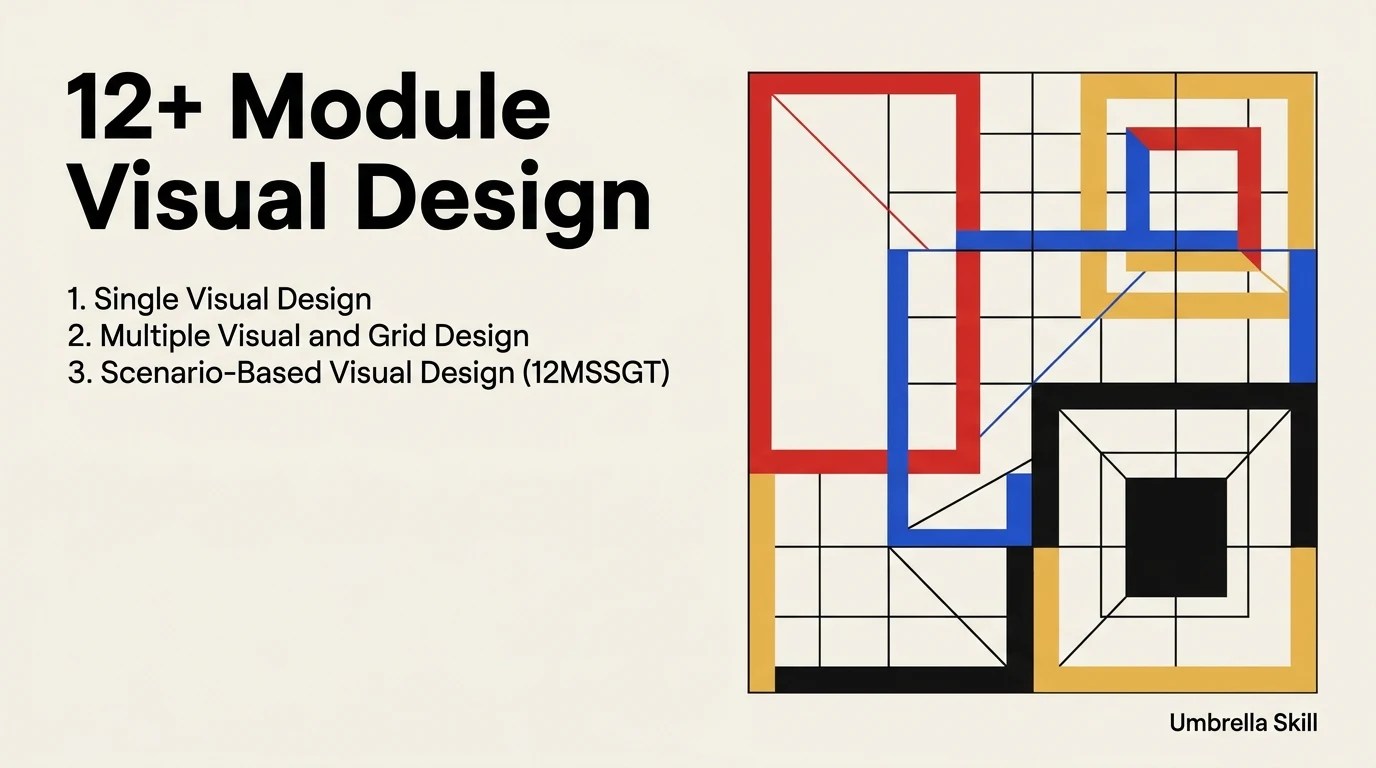
Although AI-powered image generation tools produce increasingly impressive results, maintaining consistent framing ratios, character and location continuity, batch variation control, and reusable scenario management often turns into an exhausting trial-and-error process. 12+ Module Visual Design is a comprehensive Umbrella Skill engineered to eliminate this friction by unifying three independent sub-modules and a shared composition constitution under one roof.
Thanks to its Umbrella Skill architecture, the system greets the user with three clear specialty modules upon launch; users can jump directly into the desired workflow either by choosing a module from the numbered menu or by entering their topic, visual code, or scenario shortcut right away.
Module 1️⃣: Single Visual Design
The Single Visual Design module delivers a precision single-output workflow where every stage progresses with explicit user approval. Users can start with text or uploaded images used as references, backgrounds, or collage elements.
Built-in safeguards include Location Discovery (researching iconic landmarks and offering an A, B, C list when only a city name is given), Smart Inquiry (verifying human age or adult/young status for animals before rendering), Micro-Framing for subtle “slightly closer/wider” adjustments within standard shots, and DNA Reset to clear prior character/style traits on every independent generation. Users can also trigger effortless creation simply by typing a visual code such as 🆅1️⃣ or 🅷3️⃣.
Module 2️⃣: Multiple Visual and Grid Design
The Multiple Visual and Grid Design module is built for autonomous batch production and side-by-side visual comparison. Once the first visual is approved and two quick pre-flight questions covering lighting/technical initiative and background handling are answered, all subsequent visuals are generated seamlessly through atomic execution.
Its standout capability is the interactive dynamic grid and matrix menu: 2×2 Square (/Grid2x2), 1×3 Panoramic (/Grid1x3), 3×1 Serialization (/Grid3x1), and 3×3 Matrix (/Grid3x3), alongside custom (m x n) matrices. With Variation Analysis Mode, the system preserves the main framing and visual DNA while comparing different lenses, lighting setups, or technical parameters across cells.
Module 3️⃣: Scenario-Based Visual Design (12MSSGT)
The Scenario-Based Visual Design module provides a self-contained scenario design and management menu (🆃1️⃣–🆃5️⃣) without calling any external skill. Users can draft a new scenario from scratch (3️⃣🆈), adapt pasted text (3️⃣🅺), derive a brand-new scenario from an existing one without altering the original (3️⃣🅴), or read and update saved scenarios via the 0️⃣0️⃣0️⃣ menu (3️⃣🅳).
All scenarios are stored as “.txt” files (12m000.txt index plus 12M001.txt–12M999.txt) inside the “12MSSGT” Google Drive directory and follow the “Section 40: Scenario” structure. Once selected, a scenario is sealed into memory via the Cache & Burn protocol, the Drive connection is closed to prevent tool conflicts, and visual production begins directly via 🅶1️⃣ or 🆃5️⃣.
Shared Composition Constitution, Video, Lucky Mode, and ATL1
All three modules operate under the Umbrella Module Shared Area’s strict 12-module framing constitution (9:16 vertical 🆅0️⃣–🆅3️⃣, 16:9 horizontal 🅷0️⃣–🅷3️⃣, and 1:1 square 🆂0️⃣–🆂3️⃣) with Zero-Crop and 75%–95% vertical occupancy fidelity. Non-standard geometry modifiers (.A4, .PHI, .PORT, .CINE, .WIDE, .UW, .PHT, .ACDM), Geographical and Character DNA preservation, video (.mp4) with camera movements (Pan, Tilt, Zoom, Dolly), the approval-free image-only “Lucky” (“Şansıma”) protocol, in-image text localization, hallucination shields, and external ATL1 Subskill Library integration (Ⓛ0️⃣3️⃣ Guide, Ⓛ0️⃣5️⃣ Info Line, Ⓛ0️⃣6️⃣ Core Shared Rules) work uniformly across every module.
📄Skill Documentation Page: https://aydintiryaki.org/2026/06/19/gdn002/
The Gemini AI model was used in the development of this design.
Google Drive Folder Links and [invalid URL] File
You can go to the folders below to download and directly use the [invalid URL] file from these folders. If you cannot access these folders or file, it means the link is temporarily suspended because the development of the relevant Skills is currently in progress; please try again later.
📁 Google Drive Gemini Folder Path (EN): https://drive.google.com/drive/folders/1mOfhcXqiMX_3sst8gVCrbHoBcLjKeMFw
📁 Google Drive Claude Folder Path (EN):
Note: You can make your own developments and edits on the [invalid URL] file you obtain from here. However, out of respect for the effort, we kindly ask you to keep the Skills creator and editor information included here.
This design and the views in this article belong to Aydın Tiryaki; the Umbrella Skill architecture was developed jointly with ATG0 Skill Factory v15.12 and ATG5 Umbrella Integration Unit v01.07, and article editing and assistance were performed by the Gemini model. (25.11.2026 06:14)
📘 Aydın Tiryaki Skill Archive User Guide: https://aydintiryaki.org/2026/11/20/aydin-tiryaki-skill-archive-user-guide/
| aydintiryaki.org | YouTube | Aydın Tiryaki’nin Yazıları ve Videoları │Articles and Videos by Aydın Tiryaki | Bilgi Merkezi│Knowledge Hub | ░ Virgülüne Dokunmadan │ Verbatim ░ | ░ 12+ Modüllü Görsel Tasarım │12+ Module Visual Design (Skill) ░ 25.11.2026

