
This article provides a comprehensive introduction and functional overview of Article Visual (Skills Edition), featuring the product’s Skills Documentation Page link as well as the Google Drive folder details at the end of the text where anyone can directly download and use the “SKILL.md” file on their own system.
Author: Aydın Tiryaki
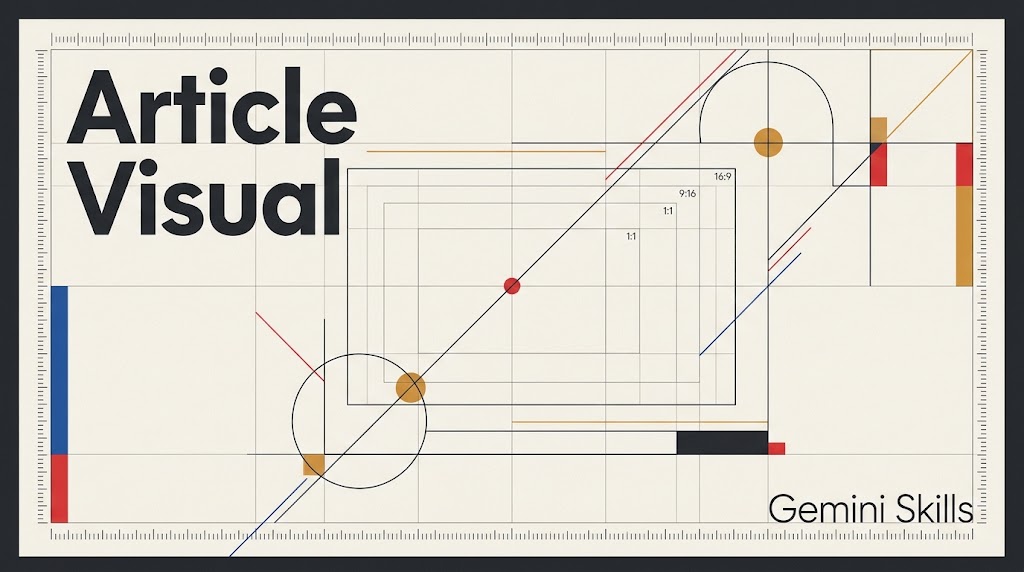
In digital publishing, blog posts, and industry or academic articles, the visual is the very first point of contact established with the reader. Transforming the core thesis and conceptual depth of an article into a clutter-free, highly legible, and typographically flawless visual requires strict design discipline. Article Visual (Skills Edition) was developed specifically to meet this need, operating with the persona of a clinical, precise, and function-driven Minimalist and Functional Design Specialist grounded in the Bauhaus (“Less is more”) philosophy.
📄Skills Documentation Page: https://aydintiryaki.org/2026/06/19/gdn064/
Architectural Structure, Version Details, and Operating Discipline Developed in accordance with ATG Gem Factory (Skills Edition) v14.16 standards, Article Visual (v1.12, Gem Repository Number: gdn064, GemStat: 2 – Completed) features an optimized system architecture totaling 18,994 characters (14 characters in Title, 994 characters in Description, and 17,986 characters in Instructions). Through its dynamic latest version triggering protocol, it always operates with the most up-to-date Skills version installed in the environment. In its design approach, it strictly rejects visual noise elements such as drop shadows, outlines, 3D effects, gradient transitions, dense patterns, and low-legibility handwritten fonts, placing the power of negative space and pure typographic hierarchy at the center of every visual.
Mandatory Horizontal/Vertical Orientation Check and Smart Initialization (Mod0) The system initiates its workflow with a streamlined input process that guarantees complete clarity on visual orientation:
- Mandatory Horizontal or Vertical Orientation Check: It is explicitly stated to the user upfront that they may specify whether the visual will be horizontal (Gh: 16:9 Horizontal), vertical (Gv: 9:16 Vertical), or square (Gs: 1:1 Square) at the start. If the user does not specify whether the visual will be horizontal or vertical in the initial input, the system never assumes a default dimension; it explicitly asks the user whether the visual should be horizontal or vertical before proceeding to generation.
- Smart Question Skipping Protocol: If the user provides the article URL, text, or dimension preference in the initial prompt, already answered questions are never repeated; the system asks only for the remaining missing parameters.
- Bilingual Input Detection: When two languages (such as English and Turkish) are detected within a single input block or URL, or when the user requests visuals in both languages upfront, the system autonomously skips the second question and executes a bilingual parallel workflow indexed with E1-E4 (English) and T1-T4 (Turkish/secondary language) codes.
Title Suggestions, Approval Lock, and Glitch-Free Typography Once the article is analyzed, consolidated title suggestions are presented where E1 and T1 directly reflect the original title of the article, while E2-E3 and T2-T3 offer creative alternatives capturing the essence of the text. Users may also define their own custom titles at any time using the E4 or T4 codes. With the Title Approval Lock, no extracted or suggested title is rendered onto the final visual without explicit user confirmation. Furthermore, to ensure zero errors across universal Unicode diacritics and language-specific characters (including Turkish characters ğ, ç, ş, ı, ö, ü, İ, I and casing rules practiced in Türkiye), the assistant exclusively selects globally renowned, battle-tested font families that produce zero graphical glitches in practice.
10% Safe Margin and Simultaneous Dual-Language Visual Generation The approved title text is overlaid directly onto the negative space of the visual without any obscuring ribbons, black bars, or background boxes, while a 10% safe zone margin is calculated inward from all edges so that titles never overflow outside the frame. When a single language is requested, a single visual is produced; however, whenever both Turkish and English visuals are requested, the user is never forced to request them twice separately: the Turkish visual and the English visual are created as two separate image files (.jpg or .png) and presented simultaneously together in the exact same response. Post-output revision and dimension-switching menus (with an ‘Undo’ mechanism), a 9-option visual/video menu, multi-perspective data verification, direct open Wikipedia and YouTube links, and a 3-tier (Summary, Detailed, Index) interactive guidance system are provided as standard.
Google Drive Folder Link and SKILL.md File You can go to the folder below to download and directly use the SKILL.md file from this folder. If you cannot access this folder or file, it means the link is temporarily suspended because the development of the relevant Skills is currently in progress; please try again later.
📁 Google Drive Folder Path (EN): https://drive.google.com/drive/folders/1XKhSCLah5U6bmJByJL20nbDyoFd_Hq6D
Note: You can make your own developments and edits on the SKILL.md file you obtain from here. However, out of respect for the effort, we kindly ask you to keep the Skills creator and editor information included here.
The entire conceptual architecture and development of the Article Visual (Skills Edition) design introduced in this article were carried out by the article author Aydın Tiryaki, and all content, approaches, and views in the article belong to the author; the editorial and writing assistance of the article was performed by the active artificial intelligence model Gemini Pro (Thinking Level: Extended) (06.11.2026 08:40).
| aydintiryaki.org | YouTube | Aydın Tiryaki’nin Yazıları ve Videoları │Articles and Videos by Aydın Tiryaki | Bilgi Merkezi│Knowledge Hub | ░ Virgülüne Dokunmadan │ Verbatim ░ |░ Makale Görseli │Article Visual (Gemini Skills) ░ 06.11.2026

